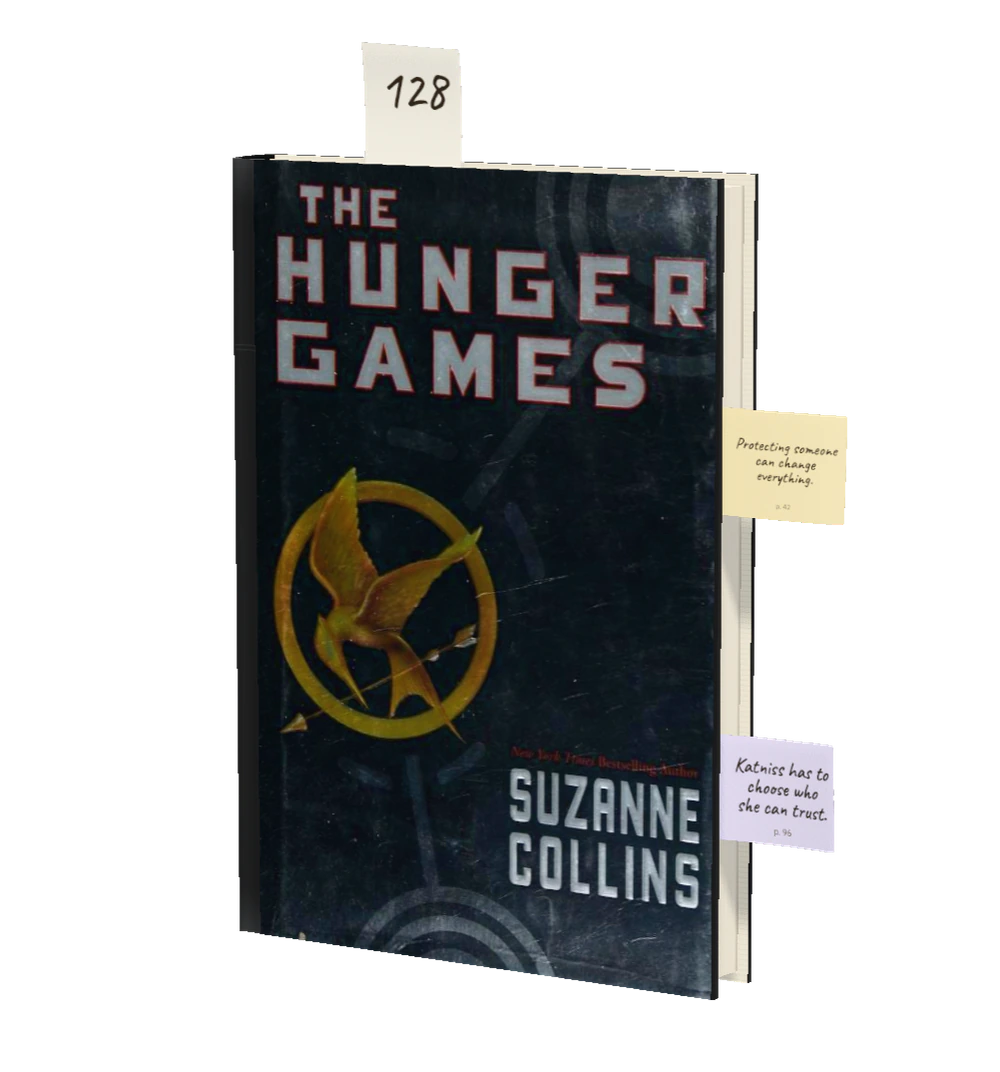
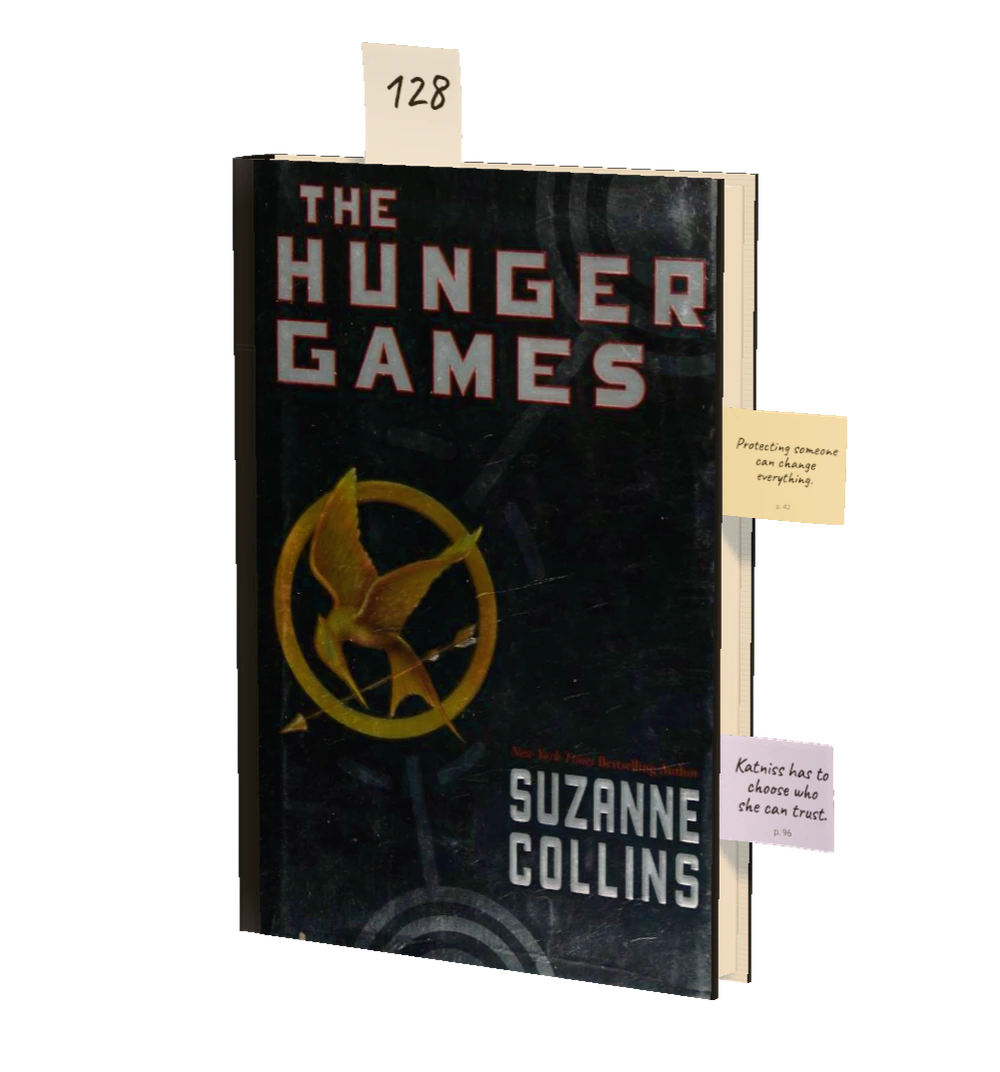
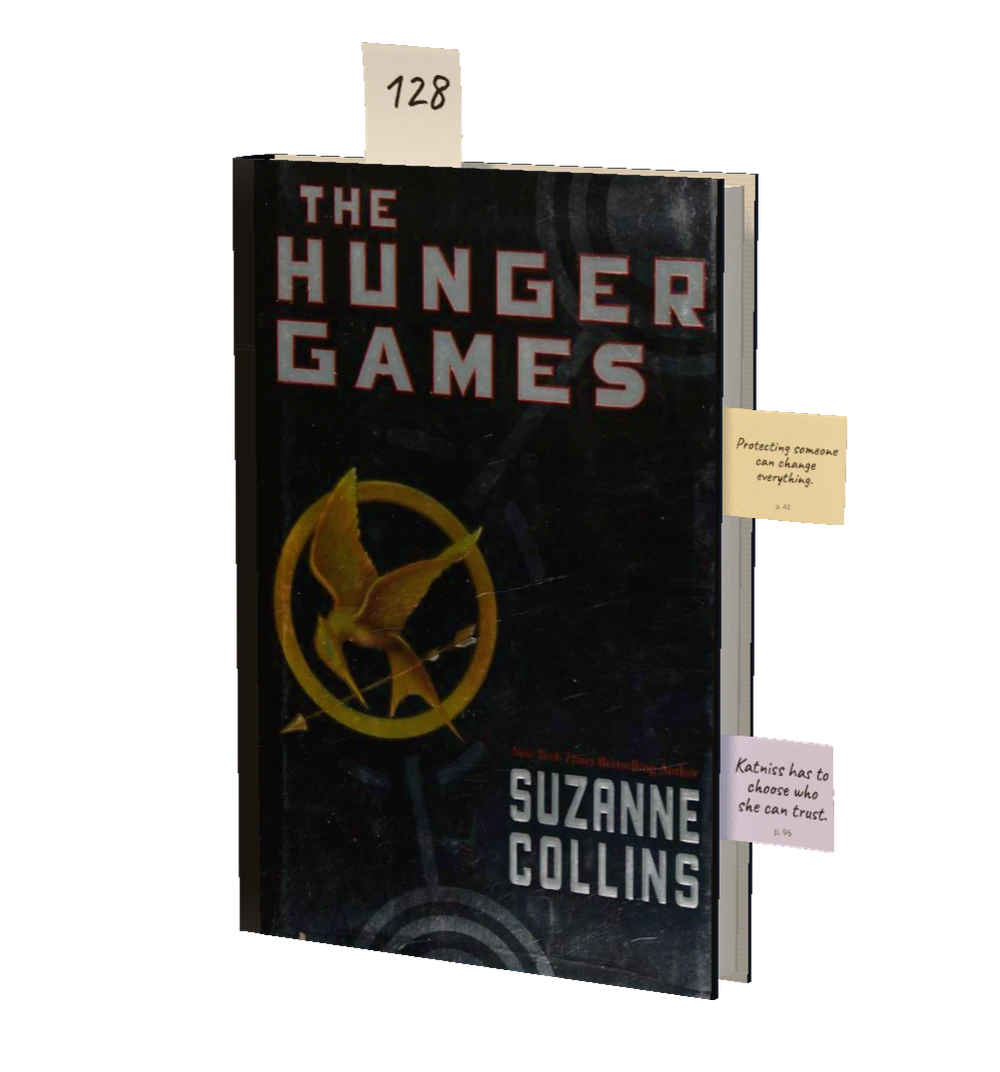
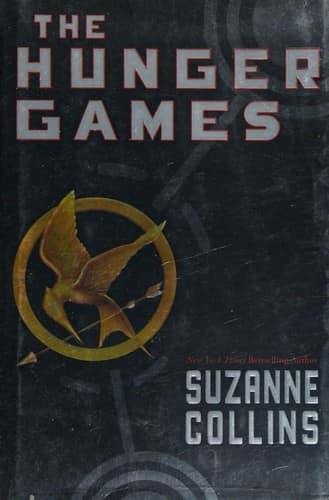
Katniss takes her sister’s place in a televised contest where survival comes at a terrible cost. Her choices bring her into conflict with the Capitol and test her loyalty to the people she loves.
Scan a cover, or bring your Goodreads library along.
128 / 374
Write in the margin.
Your thought stays on the page it belongs to.
Recalling a memory can briefly make it open to change. New information may be woven in before it stabilises again. This process is called reconsolidation.
p. 95
A recalled memory can change. New details may become part of it.
Recalling a memory can briefly make it open to change. New information may be woven in before it stabilises again. This process is called reconsolidation.
Apple Intelligence
Summary
Recalling a memory can reopen it, so new details slip in before it settles again.
Study Card
What can happen to a memory each time you recall it?
SkipKeep
Just ask Siri.
Siri can do most of what you do in Cirey. Your personal agent for books.
Siri
You
“Hey Siri, add a note to The Hunger Games on page 42 in Cirey.”“Hey Siri, add a note to The Hunger Games on page 42 in Cirey.”
Siri
What do you want to write?
You
I want to discuss Katniss’s choices with my reading group.I want to discuss Katniss’s choices with my reading group.
Siri · Note saved
The Hunger Gamesp. 42
I want to discuss Katniss’s choices with my reading group.
Example conversation with a book already in your library. Voices by Chatterbox Multilingual.
Siri AI is in beta in English for now. More languages follow, and it isn’t in the EU yet.
There’s more.
Reading, one tap
Tap Start when you open the book. Tap Stop, and Cirey guesses the page you reached.
Speak a margin
Hold the mic and talk. Say “page 112” and the thought lands on that page.
Read the Page
Photograph the open page and Cirey reads the page number for you.
AtlasPremium
Every margin on one map. Cirey connects the ones that say something close.
On the Lock Screen
While you read, the timer, Stop and a mic wait on the Lock Screen and in the Dynamic Island.
Action button and Control Center
Start or stop reading without opening the app, or go straight to the mic to speak a margin.
Widgets
The book you’re reading and how far you are, on your Home Screen.
Goals and streaks
Set a goal in books, pages, minutes or days in a row, and keep your streak.
Your reading year
Books, pages, reading time and your streak, with your pages month by month. Ready to share.
A cover for every book
No cover art? Cirey designs one, with the blurb on the back.
Lent and borrowed
Note who has your book and when it’s due back.
Your bookshops
Where you bought each book, on a map, with what you paid.
Spotlight
Find your books and margins right from your iPhone’s Search.
Drop a passage
Drag a passage from Apple Books or Safari onto a book to keep it as a margin.
iPhone Duo
Open it like a book: the book on one page, your margins on the other.
iPad and Apple Pencil
Write margins by hand beside the book, and open two books side by side in two windows.
In sync everywhere
One library on your iPhone and iPad, through your own private iCloud.
Emergency Backup
Encrypted restore points every day, so nothing gets lost.
Export, always free
Take your books as a CSV and your margins as Markdown, any time.
Real weatherPremium
The sky in the app shows the clouds, rain or snow outside your window.
No ads, no account
Nothing to sign up for, nothing tracking you. Just your books.
Needs an iPhone or iPad with Apple Intelligence.
It’s yours.
Your library lives on your device and in your iCloud.
No adsNo trackingNo account
Encrypted in your iCloud
Your library syncs through your own iCloud, encrypted. We have no server, so we never see it.
Only Apple Intelligence
Summaries and cards come from Apple’s model on your device. No other AI sees your pages.
Yours to take or delete
Export your books and margins any time, or delete everything in one step.
Yes. Free gives you unlimited books and margins, your reading year and page summaries by Apple Intelligence. There are never any ads.
What does Premium cost?+
€29.99 a year, or €2.99 a month for 12 months, except in the US and Singapore. Monthly is €3.99, and Lifetime €79.99, paid once. Subscriptions renew until you cancel them in your App Store settings. If you cancel, everything you saved stays yours, and you can export it any time.
Do I need an account?+
No, there’s nothing to sign up for. Your library syncs between your iPhone and iPad through your own iCloud.
How do I add my books?+
Scan the barcode, photograph the cover or snap a whole shelf at once. You can also search the catalogue or bring your Goodreads or StoryGraph library along as a CSV file.
Which iPhone do I need for the AI features?+
Summaries and review sentences use Apple Intelligence and are free. With Premium, it also drafts Study Cards from your margins. They need an iPhone 15 Pro or later, or an iPad that supports Apple Intelligence, and run on your device. Everything else works on any iPhone or iPad with iOS 27.
Who can read my margins?+
Only you. Your margins stay in your library, on your devices and in your own iCloud.
Does Cirey work offline?+
Yes. Your library and margins are always with you. Searching the catalogue and syncing need a connection.
Which devices and languages are supported?+
iPhone and iPad with iOS 27 or later. Cirey is available in English, German, Spanish, French and Arabic.